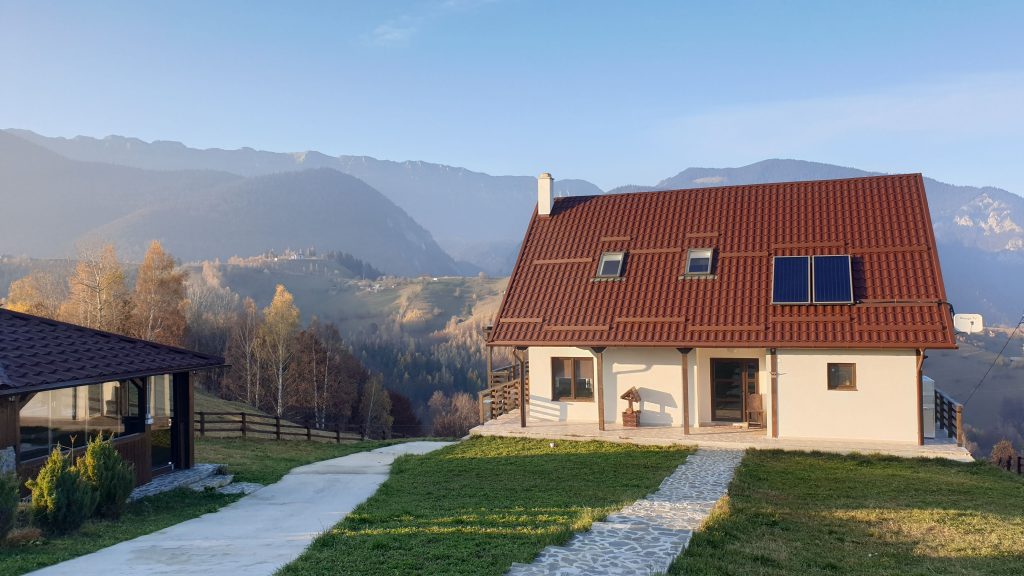
I have been trying to find a solution to monitor the water level from a tank since 3 years now. I built a lodge in the mountains and there is no public running water system so I collect the rain water from the roof. Naturally it is very important to constantly know how much water I have in the tank for daily use in the house. In the past, a pipe froze, then cracked and all the water went literally down the drain. Now, with GDOPi and a Raspberry PI I can get a notification when the water level drops below a certain point and I can take action remotely such as cutting power for the pump (using a plain smart plug). I have used a HC-SR04 utlra sonic sensor to measure the distance from the raspberry PI to the water. It is super easy to configure to run with GDOPi. What you need:
- raspberry pi 3b+ (I suspect it works with 4 as well)
- HC-SR04 sensor – you can find it in almost every PI related shop and some wires and resistors (see link below)
- GODPi
First head on to https://pimylifeup.com/raspberry-pi-distance-sensor/ for the wiring diagram and Python script. You will need to slightly modify the Python script so that the value is written in /mnt/gdopi_rd/sensor1.txt (first run ./gdopi to make sure that folder is created). Also check out https://gdopi.com/2020/05/05/download-install/ on how to get GDOPi onto your Raspberry.
Next, make sure you have at least an IP55 case (or higher rating) to put the Pi in and the power adapter. Put the case inside the lid of the tank and the sensor on top, directly facing the water.
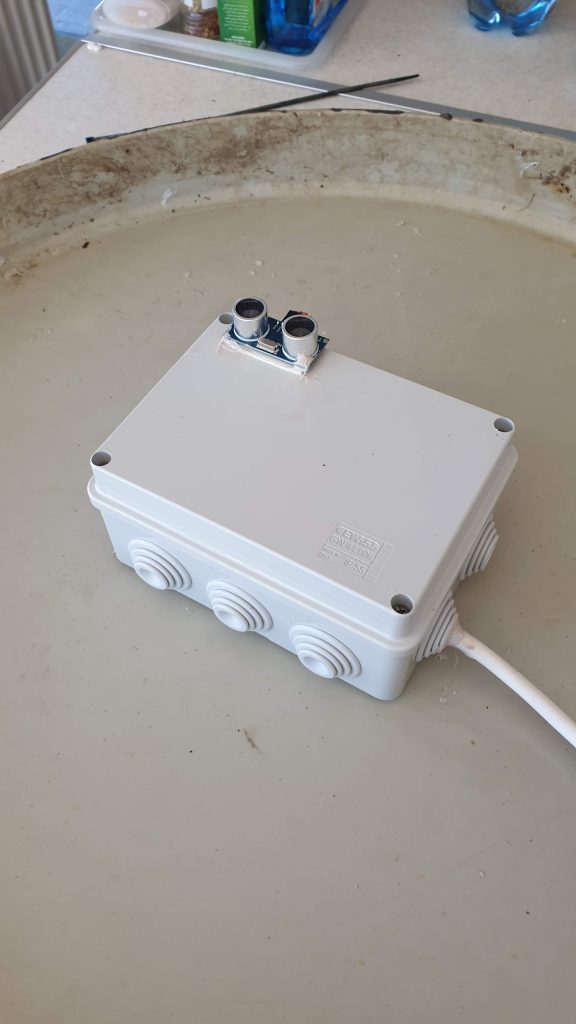
Do try to put some silicon to make sure moisture doesn’t easily get inside. Now all you have to do is to find a wall plug to connect the raspberry pi to power – and WIFI ofcourse. You can also use ethernet cable if your wifi is far away – I was fortunate that I had a wifi repeater fairly close.
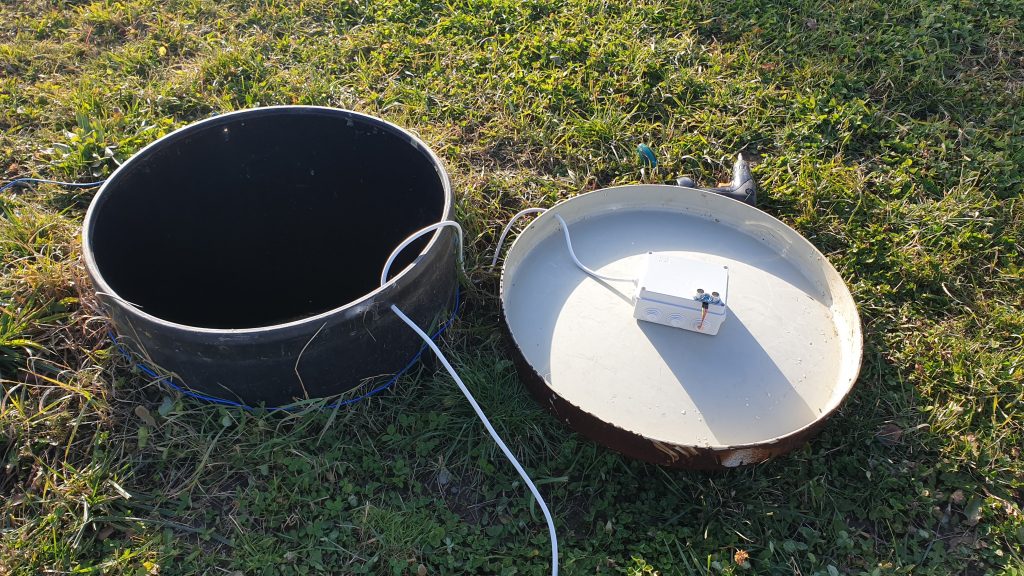
Now it is time to close the lid and see how it works! 🙂
See the previous article on how to connect to Grafana in order to monitor the water level for up to 1-2 weeks timeframe – https://gdopi.com/2020/10/27/adding-graphs-to-gdo-pi-sensors/
Now that everything is setup it should look something like this:
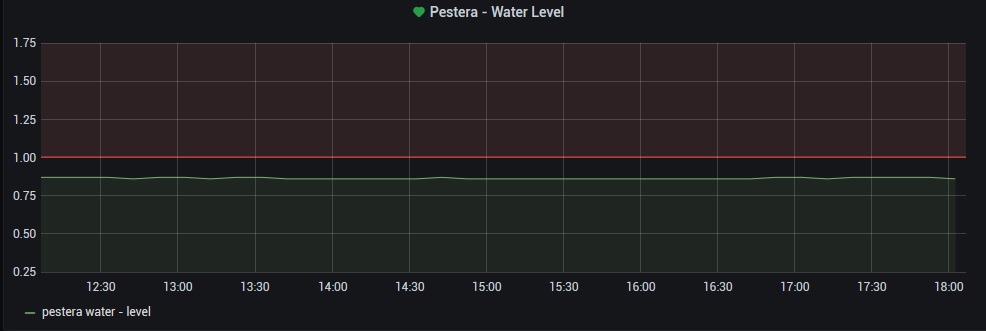
Basically this is the distanced measured from the sensor to the surface of the water. In this case, smaller values mean more water, higher values mean less water. I set an alarm when the level reaches 1m distance – I will receive an email warning me that the water level is dropping.
That’s about it for the water level measuring with GDOPi! Now I can rest assured that when I get to the mountain lodge I will have enough water in the tank 🙂